Showing posts with label Sony Xperia Z3. Show all posts

Thursday, 6 November 2014

Sony Xperia Z3 review: Superb design and capabilities that best the Apple iPhone 6

Summary: Sony doesn't release too many smartphones on US carriers, but T-Mobile has a real winner here with the Z3. Matthew not only tested one out, he bought his own and put aside the iPhone 6 Plus


T-Mobile Sony Xperia Z3

I bought a Sony Xperia Z2 from Handtec back in May and thought it was the phone for me. While it was great, the rumors of a Z3 kept me from keeping it. Now that I have spent a week with the new T-Mobile Sony Xperia Z3, I am extremely pleased I waited for this upgraded model — which may be the best Android phone available today.
After selling that Xperia Z2 on Swappa and moving through a few other phones in the last couple of months, my most recent infatuation has been with the Apple iPhone 6 Plus. But I now have at least 10 reasons (keep reading this review) for preferring the Sony Xperia Z3 over the iPhone 6 Plus..
I checked out the evaluation Z3 for just two days before ordering my own and returning the review unit. The Xperia Z3 gives me a high end device with waterproof characteristics at a reasonable price, along with the great benefits of T-Mobile ownership. T-Mobile customers should take a serious look at the Z3 before buying a new smartphone.

Specifications

  • Processors: Snapdragon 801 2.5GHz quad-core processor and Adreno 330 GPU
  • Display: 5.2-inch 1920 x 1080 pixels resolutioin IPS Triluminos
  • RAM: 3GB
  • Internal storage: 32GB and microSD storage support up to 128GB
  • Cameras: 20.7-megapixel rear and 2.2 megapixel front facing
  • Radios: 802.11 a/b/g/n/ac Wi-Fi, Bluetooth 4.0, NFC, DLNA, ANT+, MHL 3.0
  • Battery capacity: 3,100 mAh with stated talk time up to 21 hours
  • Other features: Waterproof and dust tight (IP65 and IP68 ratings), Sony 3D surround sound technology with dual front facing stereo speakers
  • Dimensions: 146 x 71.88 x 7.62 mm, and 152 grams

The T-Mobile variation of this device addresses one concern I have with overseas models and the last Z2 I owned, the integrated storage. Every high end smartphone should come with at least 32GB so it is great to see T-Mobile and Sony launched a version here with 32GB rather than the 16GB on most all other Xperia variants.
Looking at the other Sony Xperia Z3 specifications, the only one that isn't the highest available on Android today is the processor. The Snapdragon 805 processor is available on the Galaxy Note 4 and Nexus 6.

On the hardware

It is rather stark to grab a Sony Xperia Z3 and then a Samsung Galaxy S5. One is clearly a much better built device and in my opinion you won't find an Android device with a better fit and finish. If Apple built an Android device, it would probably look and feel much like the Xperia Z3.
Sony fixed its Xperia displays with the Z2 and the same one is found on the Z3. The side bezels are pretty narrow and the top and bottom don't even bother me any longer knowing that stereo speakers are present.
I love Sony's silver central power button positioned along the new rounded metal edge. The corners are made of plastic to help with drop survival while metal wraps the rest of the edges. The glass back concerns me a bit, but I will just have to hold on to it a bit tighter.
Sony includes a couple of contacts on the left side and for about $25 you can pick up a dock on Amazon and charge the Xperia Z3 wirelessly. I wish that Qi charging was including, but the dock solution works well and provides you with a nice bedside clock.
A physical camera capture button is found on the lower right side and this is something I love having on a smartphone. While nearly all Windows Phone devices have this button, very few Android models include it.
The same 20.7 megapixel camera from the Z2 is found on the back of the Z3. It does a solid job of capturing photos, but I honestly expect more from Sony and hope they can continue to improve it with software updates.
Like HTC and others, Sony includes a Stamina Mode on the Z3 so you can manage your battery and make sure your phone never dies when you need it. I have been going longer than a full heavy day with the Z3 and with the Stamina Mode there are no worries at all about having an integrated large capacity battery.
Sony was one of the first to integrate waterproof capability in its smartphones and as a person living in a wet part of the world, it is something I find almost essential today. Now that I run with a phone for safety and to capture images on the go, I need a waterproof phone or a case that keeps the phone safe and sound.
Sony sells noise-cancelling earbuds that work with the Z2 and Z3. As a daily train commuter, these are awesome to have working with the Z3.
In my opinion, Apple and HTC are the current leaders in smartphone design and when you hold one of these devices you feel like you spent your money well. The great thing about Sony is that they take this same attention to design detail and include all of the best Android specs to create a superb smartphone experience.
A few phones have designs that keep me flipping the phone around in my hand and the Z3 is one of those devices. It is very pocketable, especially for a 5.2 inch display smartphone, and feels great in your hand.
ProsCons
Awesome metal and glass designCover to access the microUSB port
Waterproof capabilityDevice is slippery and easy to drop
Physical camera capture button 
microSD expansion card slot 
3GB RAM, 20.7 megapixel camera, other high end specs 
Loud front-facing stereo speakers 
Long battery life 

On the software

The Sony Xperia Z3 launches with Android 4.4 with the promise that Android Lollipop (5.0) will be released in the next few months. I won't go into detail on Android KitKat since the OS has been covered extensively over the past year.
Sony has one of the lightest skins available in the Android world, but let's take a bit closer look at what you can expect on the Z3 since it is different than stock Android.
Sony additions: Sony does bring some of its branded experiences to the Z3. Sony has long been known for the Walkman and you will find this as the music player on the Xperia Z3. It is an attractive and functional application and I am working to load up all my music on my microSD to enjoy it with the noise-cancelling earbuds on the Z3. You can also sign up and use Walkman to access Sony's subscription service.
Sony also includes Movies, Movie Creator, OfficeSuite, PlayStation, Sketch, Smart Connect, Sony Select, TrackID, Video Unlimited, What's New, and Xperia Lounge. While I am not sure we need additional service options with Google Play loaded on Android devices, Sony isn't overbearing with these services either.
Movie Creator creates highlight movies with your photos and videos. HTC launched this idea with the HTC One M7 and since then many others, BlackBerry, Motorola, and Sony for example, have implemented a twist on highlight videos.
Sony PlayStation gamers will love the Z3 and to be honest I did start looking at the PS4 after I bought the Z3. Sony provides the capability to connect the Z3 to the PS4 and also use the DualShock 4 Controller with the Z3.
While the iPhone camera does a great job and Apple has improved the functions with more options on the iPhone 6, Sony provides an extensive collection of camera modes on the Z3. Some of the modes are silly, but others are quite useful. You can take slow motion and time-lapse videos with the Z3, along with many other advanced scenes.
T-Mobile additions: Thankfully T-Mobile is the one major US carrier that limits how much bloatware is added to its phones. On the Z3 you will find T-Mobile Name ID (subscription service), T-Mobile My Account, Mobile Hotspot, T-Mobile TV, Visual Voicemail, and Device Unlock. After you pay off the phone, you can SIM unlock your phone with the Device Unlock application.
A couple of these are subscription services, Name ID and TV, but those are the only two I would like to remove. The rest actually help you manage your account and control your wireless connections.
The fantastic T-Mobile services that came through various Uncarrier initiatives include Wi-Fi Calling and unlimited streaming of music services. While Wi-Fi Calling is excellent at my house, I use the free texting via Gogo while flying around the country on Alaska Airlines. It is very convenient to stay in touch with my family on the airplane without having to pay for wireless service.

Pricing and availability

The Sony Xperia Z3 is available now for $630 or $26.25/month for 24 months. This is a reasonable price for a high end smartphone. By comparison, the 16GB iPhone 6 is $649, but has no capability for memory expansion. The 32GB Nexus 6 is available for $649 as well, again with no capability to expand that storage capacity.

The competition

There are plenty of high end smartphones available today that compete against the Xperia Z3. The iPhone 6 and 6 Plus, Nexus 6, BlackBerry Passport, Moto X, Samsung Galaxy Note 4, Galaxy S5, and more are available now.
The Z3 satisfies me over all the others due to these ten features:
  • Waterproof rating: I run with my phones and often in the rain so I need a waterproof phone to help me stay fit.
  • microSD storage: It is nice to pop a microSD card in and out as you capture photos and videos, as well as making it easy to transfer documents.
  • Indicator light: I like having a small subtle light to inform me when a notification is present. It is also helpful to have different colors for different types of notifications.
  • 3GB RAM: I still can't believe Apple only launched its new iPhones with 1GB of RAM. You won't have any trouble multi-tasking with the Z3.
  • Front-facing stereo speakers: All phones should at least have one speaker on the front, but I prefer dual speakers like HTC provides.
  • Physical camera button: Nothing beats pressing and holding a camera capture button to launch the camera. The Z3 feels more like a camera than a phone at times.
  • Active noise-cancelling earbuds: I commute a couple of hours a day on the train and also travel via plane about once a month. Having noise-cancelling earbuds, with smart controls, is awesome.
  • FM radio: While some people may not appreciate having a FM radio, it is a great way to enjoy music, news, and sports without consuming data.
  • DLNA support: One thing that drives me crazy about my iPhone is that I cannot easily share photos and videos with family and friends on a large TV.
  • USB OTG: It is incredibly convenient to pop in the Truffol Dual OTG USB stick and transfer files to and from my PC when on the road.


Conclusion

Sony has a limited presence in the US with most of its devices being sold either overseas or at the US Sony Store as unlocked models for AT&T and T-Mobile customers. Verizon just recently launched theSony Xperia Z3v, which is a variation of the Z3 I bought from T-Mobile.
Some people complain that Sony launches new smartphones too often, but that is definitely not the case in the US. This latest model is an amazing piece of technology and is clearly one of the best smartphones available today. While the Apple iPhone 6 is a well built and designed smartphone, it is clear that Sony also knows how to design a phone for the masses.
I tried using my iPhone 6 Plus and still do like it, but just like in the past I tend to get bored with iPhones after about a month. Android offers more for my needs and the Sony Xperia Z3 is the one for me.
I also find that Sony's RF signal is better on the Z3 than what I see on the iPhone 6 Plus. My iPhone 6 Plus often drops to 3G or worse in the exact same locations where the Z3 keeps hold of a LTE signal.
Contributor's rating: 9.5 out of 10

Monday, 13 October 2014

LG G3 vs. iPhone 6 Plus specs: Same screen size, a whole lot of different features

 By: 

After the launching of the iPhone 6 Plus, it has often been compared with one of LG's latest offerings, the G3. Although both devices have 5.5-inch screens, they may have more differences than similarities.
[Photo credit: Facebook]
LG G3
Looking into more details, LG's flagship boasts a resolution of 2560 x 1440 pixels that provides a highly rich experience for users, whereas Apple's offering provides 1344 x 750 resolution, significantly lower than that of the G3.  Nonetheless, with 16:9 aspect ratio, such device still offers clear and detailed images and videos.
In terms of storage and memory, the LG G3 is available only in a 16 GB or 32 GB version, but can be expanded as it supports microSD cards of up to 128 GB.
On the other hand, the iPhone Plus does not come with a microSD slot but offers 16 GB, 64 GB and 128 GB models. The device also provides a cloud storage option and a greater capacity for internal storage options.  Users can utilize 5 GB of cloud storage, free of charge, along with the Photo Stream for one's pictures.
The LG G3 comes with a 13-megapixel camera, whereas the iPhone 6 Plus features an 8-megapixel camera that is similar to a previous model, the iPhone 5S. As such, the G3 is expected to snap photos and capture clips that are of higher quality.  It also allows users to shoot 4K videos, which the iPhone is not capable of doing. Nonetheless, the iPhone 6 Plus comes with faster auto-focus and wide angle lens.
[Photo credit: Apple]
iPhone 6 Plus
A Snapdragon 801 chip set that comes with a 2.5 Ghz quad-core processor has been incorporated into the LG G3, which runs on the Android 4.4.2 KitKat operating system.  With the special Andreno 330 GPU, such device has been praised for the graphics it generates, which are comparable to those of game consoles.
Meanwhile, the iPhone 6 Plus makes use of the new A8 chip set that enables Apple's offering to carry out desktop-level performance.
Other features for the LG G3 include protective recommendations from Smart Notice, new ways of unlocking the phone through the KNOCK Code, and wireless charging, among others.
The iPhone 6 Plus, on the other hand, features a new mobile payment platform, thanks to near field communication (NFC); the phone also comes with a larger battery (2915 mAh), supports third-party keyboards, and features optical image stabilization for enhanced photo capture.

Saturday, 11 October 2014

Acer Iconia Tab 8 Review: A Lot Of Tablet For Not A Lot Of Money

By: Cameron Summerson
Three years ago (or thereabouts), if you would've asked me about Acer tablets, my response would likely have been something similar to DeAndre Jordan's face after this nasty dunk over Brandon Knight back in 2013. Or, to put it a little more bluntly, there probably wouldn't have been anything positive to say. At all.
The company has come a long way since then, and I feel like it has been offering especially good value for the money as of late, and the Iconia Tab 8 may be the crown jewel of its collection. The weakest link in most of its predecessors was the display, which Acer has (finally) corrected on this go. Pair that with solid performance and a $200 price tag, and you have a winning tablet.
wm_IMG_3730

Specs

  • Display: 8-inch 1920x1200 display
  • Processor: 1.3GHz quad-core Intel Atom z3745, 64-bit
  • RAM: 2GB
  • Storage: 16GB, microSD card slot
  • Cameras: 4MP rear shooter, 2MP front
  • Ports: microUSB, microSD, microHDMI, headphone jack
  • Wireless: 802.11 b/g/n, Bluetooth 3.0
  • Battery: 4,600 mAh
  • OS: Android 4.4.2
  • Dimensions: 8.46 x 5.12 x 0.33 inches; 12.6 oz.
  • Price: $199
  • Buy: Amazon
Pros
Cons
  • Solid device for the price
  • Good form factor
  • Best display I've ever seen on an Acer device
  • A few interesting and unique software features (without being overbearing)
  • The cameras are wretched
  • Probably won't ever see any OS updates

Hardware and Build Quality

When it comes to Acer tablets, I've grown to have certain expectations. I never plan on being wowedby what I'll see, but I also don't expect to hate it, either. I'm basically always looking to see a middle-of-the-road device at a decent price point. And that's exactly what the Iconia Tab 8 is, though it easily stands out in Acer's current catalog. The build quality is good, and the hardware is on point without being amazing. It's a solid all-around little unit.
wm_IMG_3735
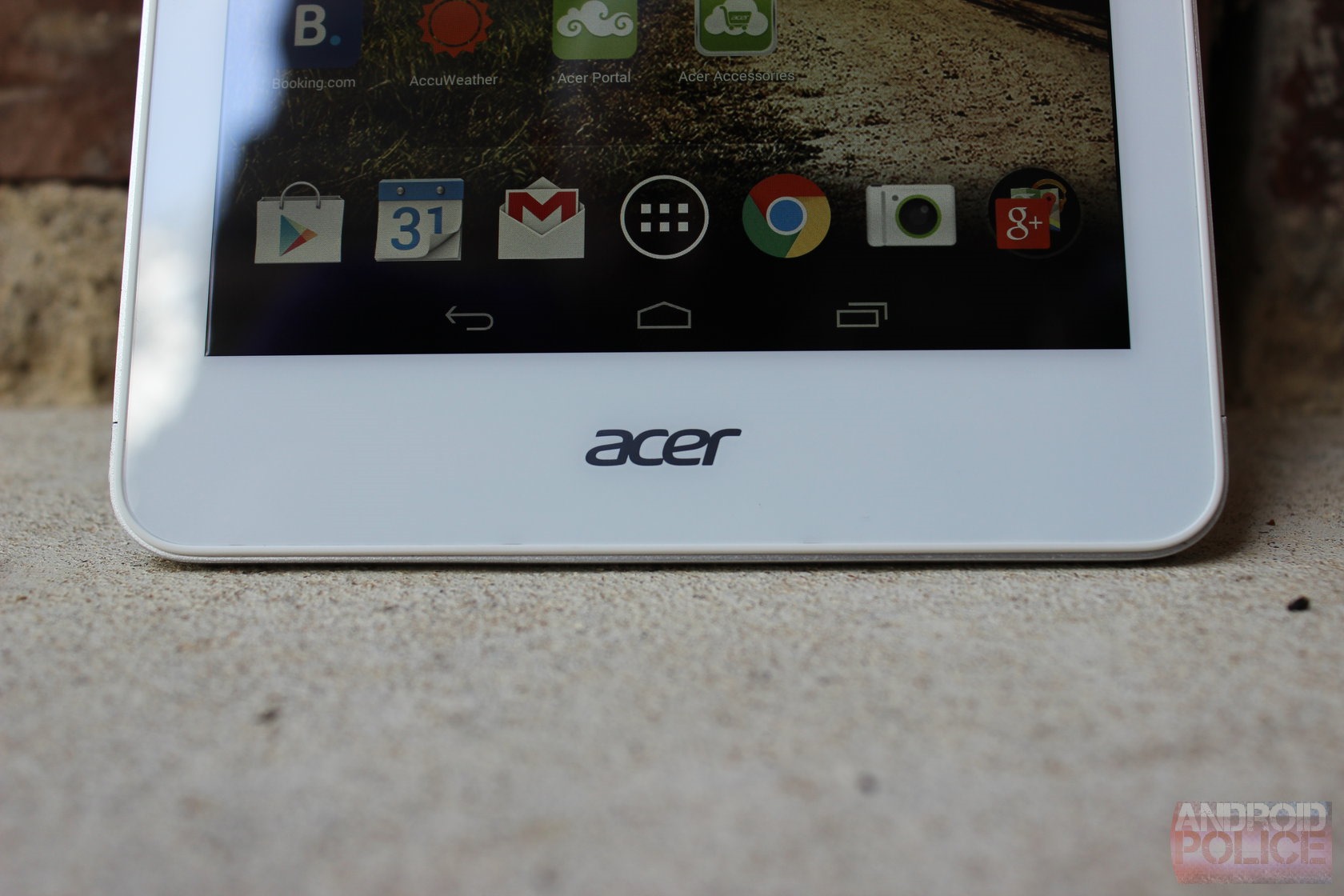
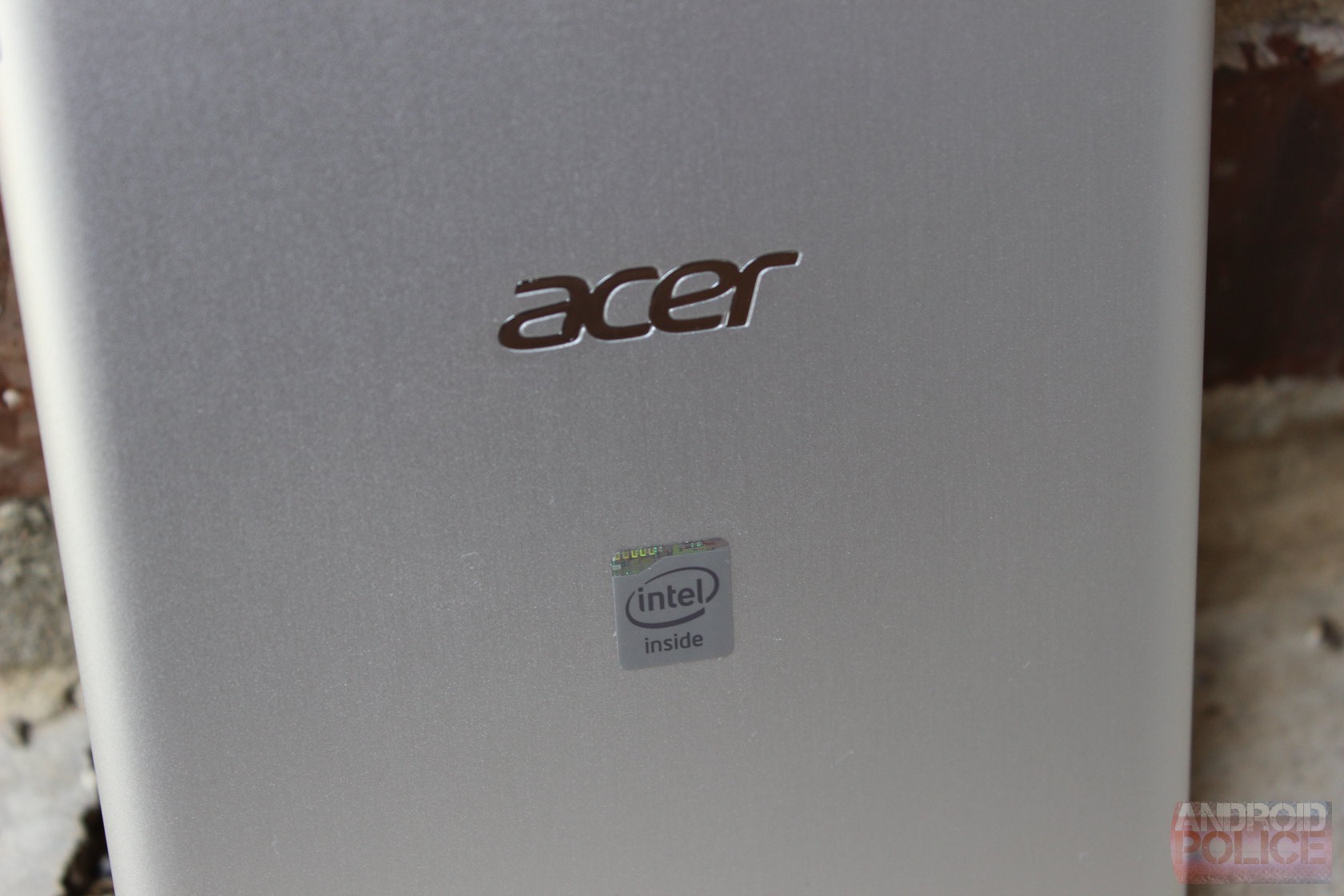
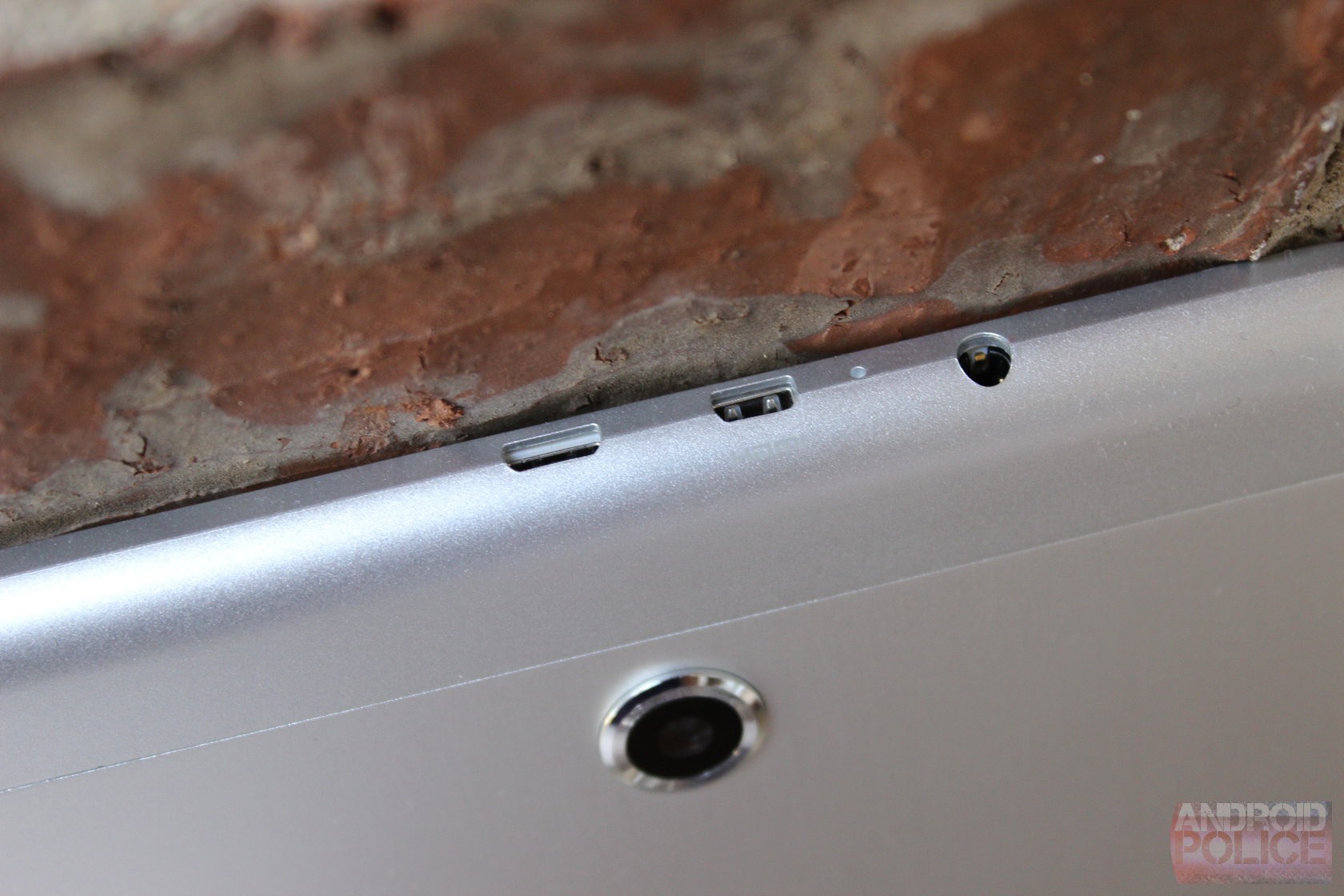
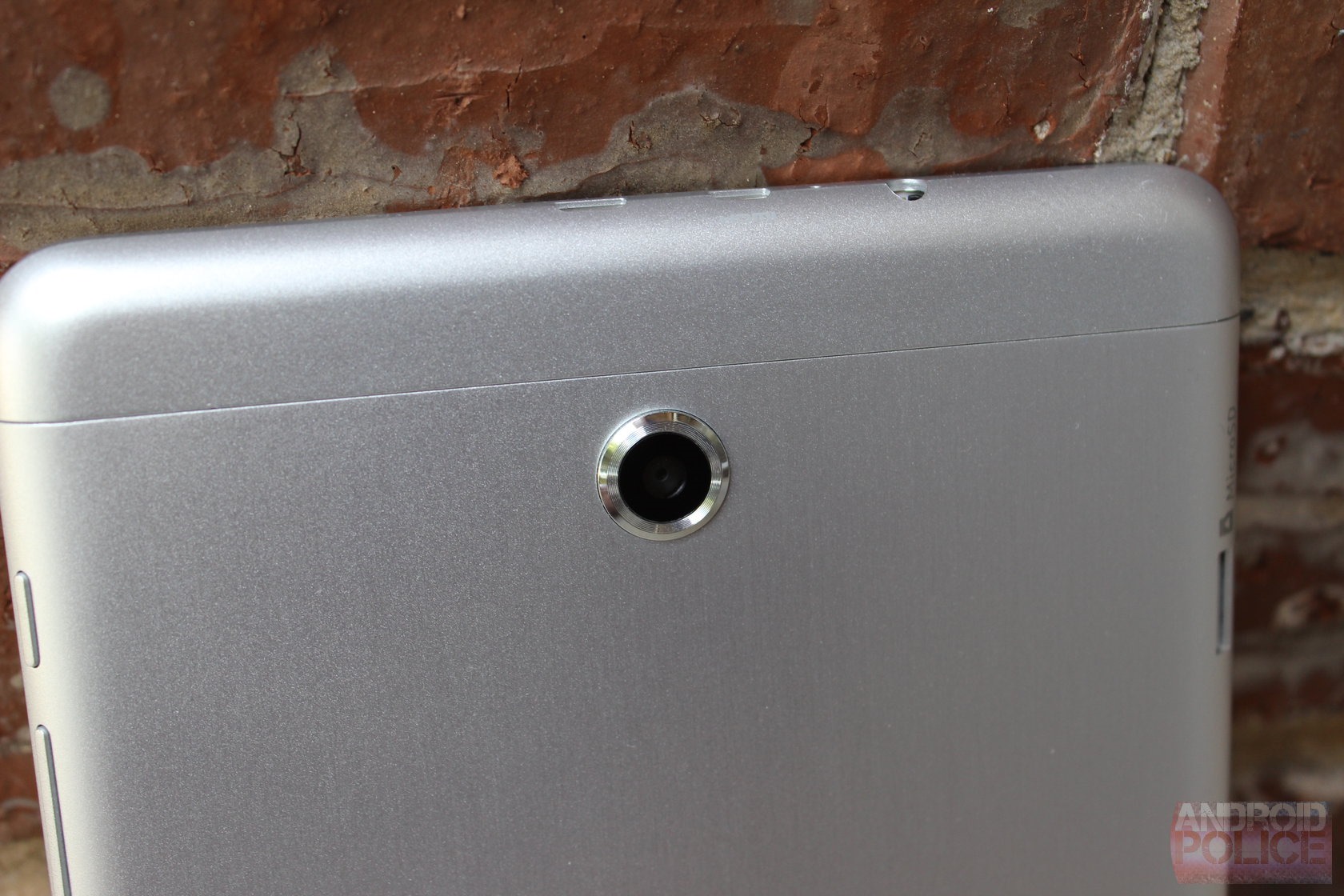
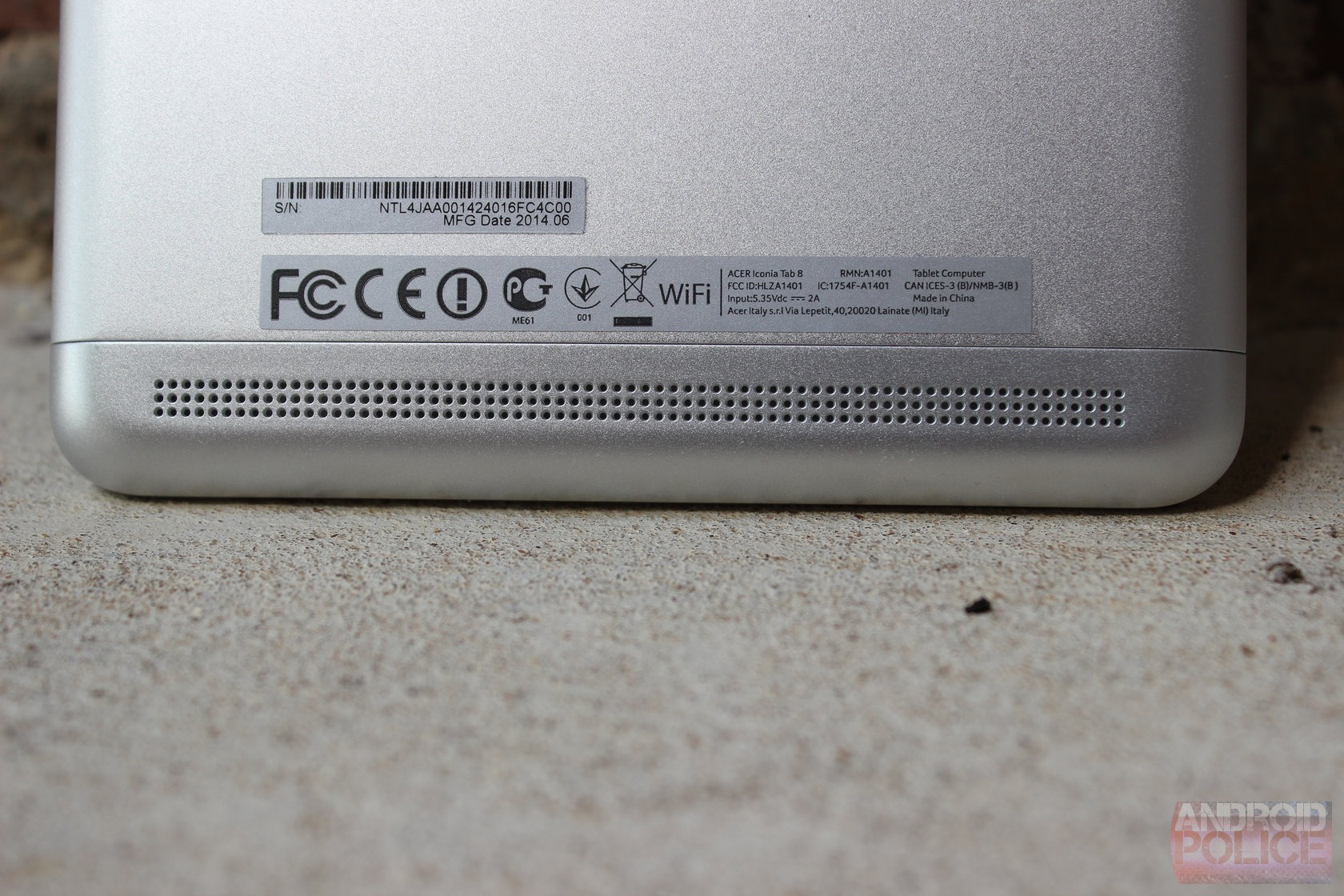
The front of the device is clean and white, with a simple Acer logo at the bottom and camera at the top. As with other Acer tablets, you won't find physical buttons here - everything is on screen. The back of the device is aluminum, which I personally don't like. Those who find aluminum's cold exterior pleasing to touch, however, will likely enjoy what Acer has done here. From what I can tell, only the larger, center section of the back is metal, whereas the small(ish) top and bottom caps are actually plastic. They blend in well enough, but there's still a distinct separation between the pieces, which takes away from what could potentially be an otherwise sleek exterior.
wm_IMG_3741 wm_IMG_3743 wm_IMG_3747
The best feature of the IT8, however, is its display. For far too long Acer has cut corners when it comes to screens, but I'm happy to say that it decided to go with a much nicer panel on this tablet. The 1920x1080 screen looks quite good – colors are well balanced and viewing angles are excellent. It's definitely a breath of fresh air to see a display of this quality on an Acer device.
Otherwise, the IT8 delivers on most other things users will be looking for in this price point, save for the cameras, which are pretty awful. Outside of that, everything else is solid.
wm_IMG_3736 wm_IMG_3738 wm_IMG_3749

Software and Performance

For the most part, Acer left stock Android untouched. It did, however, throw a few little tweaks in here and there, most of which I actually find kind of neat. Let's talk about those first.
For starters, it's got an LG KnockON-esque feature called Touch WakeApp. When enabled, this essentially allows the tablet to be turned on with a five-finger tap or two-thumb gesture (the latter of which only works in portrait mode) instead of using the traditional lockscreen. While it may not be the most powerful (or useful) utility, it's still kind of cool.
Screenshot_2014-10-10-12-22-23 Screenshot_2014-10-10-12-22-31 Screenshot_2014-10-10-12-22-57
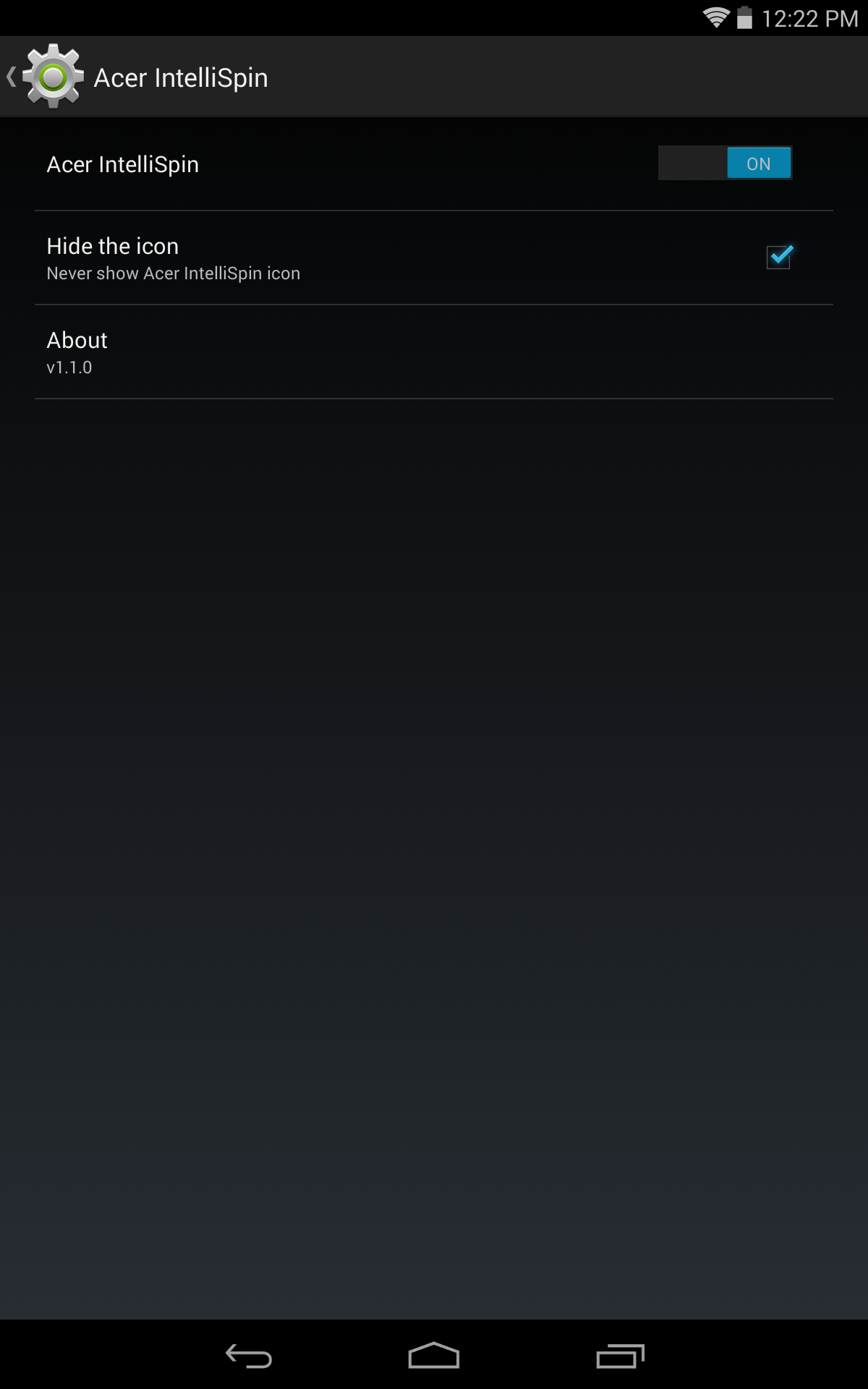
Past that, it also has a really cool feature called IntelliSpin, which allows the tablet to detect rotation even when it's lying flat. For example, if you put it on the tablet in portrait and then want to watch a video, simply spinning the tablet around will readjust the orientation as well. It's a simple fix to an annoying problem. Also, like all other Acer tablets, the volume rocker adjusts according to the orientation (which is something I can't believe stock Android doesn't do on its own).
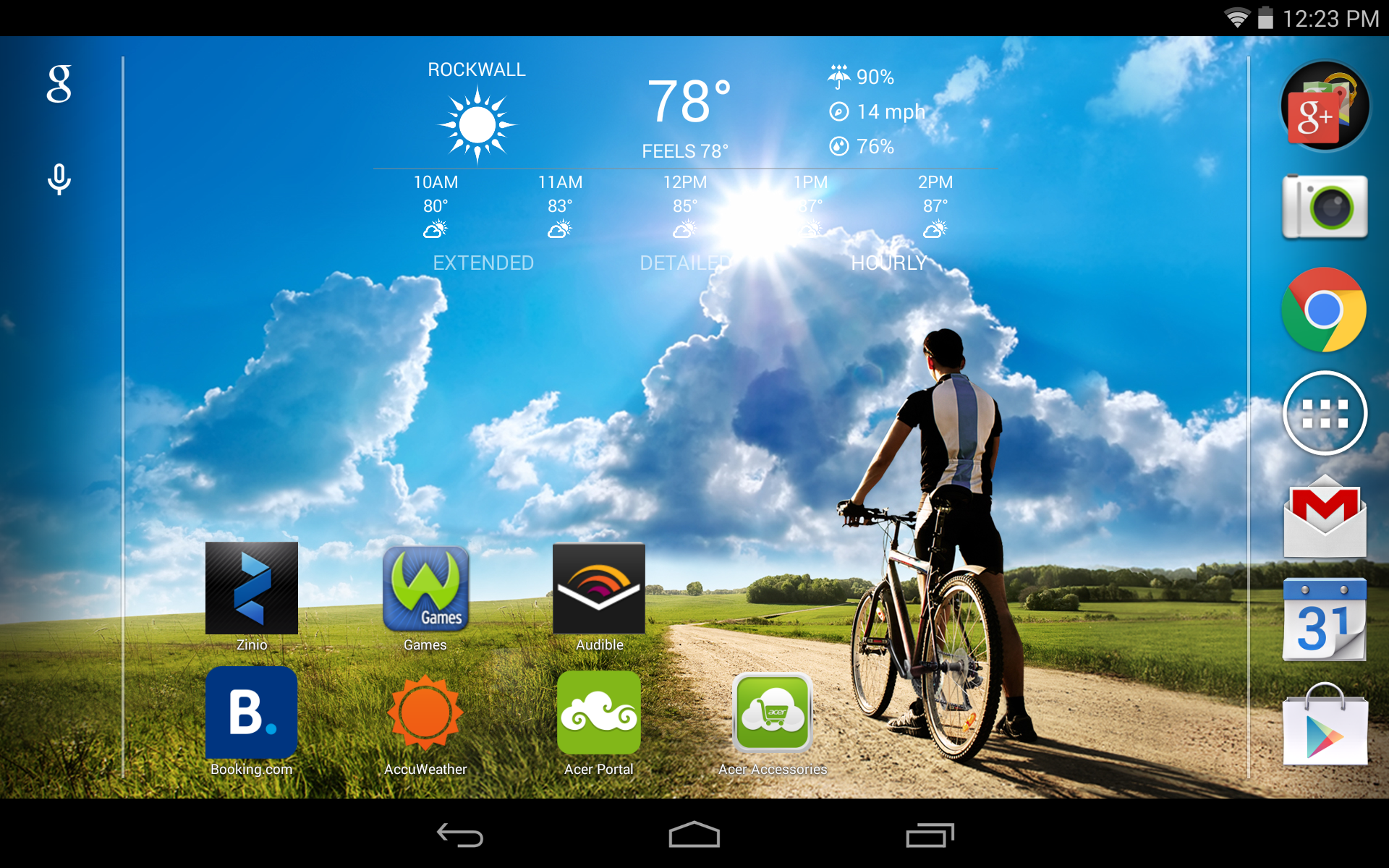
Otherwise, it's a pretty barebones Android system. Acer swapped out a few of the icons for its own take on how they should look, added a bit of color here and there, but pretty much left stuff alone.
On the hardware side, the Iconia Tab 8 isn't what I'd call a powerhouse - but don't call it a creampuff, either. It's a solid performing device, and the quad-core Intel chip left me pretty impressed overall. At no point during my time with IT8 did it lag or slow, and for the most part, it kept up fine with all the things I normally use a tablet for. I was surprised by the Intel processor – it handled everything I threw at it without so much as a hiccup. It purred along nicely, launching apps and loading pages at a very consistent and non-frustrating pace. I wouldn't say it's the best for heavy gaming, but it handles lightweight games without issue. For gamers looking to pick up a tablet, I'd still recommend SHIELD Tablet, of course.

Conclusion

Screenshot (12_23PM, Oct 10, 2014)
At the end of it all, I'd say the Iconia Tab 8 is the best Acer tablet I've used to date. The build quality is good (albeit understated), the performance is incredibly smooth and consistent, and the display is very good. Pair that with Acer's subtle software tweaks like WakeApp and IntelliSpin, and this is an excellent device for the money.
Unfortunately, the biggest potential downside is one that's yet to be seen: how Acer will handle future updates. The company hasn't done what I'd call an exemplary job of keeping its devices on the latest version of Android up to this point, and I fear that the IT8 will suffer the same fate. With Android L just around the corner and no promise of an OTA, it makes buying this unit a gamble.

That said, if future version compatibility isn't something that you're concerned with (say, if considering this as a gift for someone else who may not be concerned with OTAs), then fire away. At this price, it's almost impossible to ignore everything the Iconia Tab 8 has to offer.


It's Sexy, But Will The Passport Help BlackBerry Regain Dominance As A Status Symbol?


By: Bob Egan

BlackBerry’s new Passport is eye-catching. Women call it “sexy.” Men say it’s “cool.” And once they use it, iPhone owners apologetically concede that they “only have an iPhone.”
But does that mean BlackBerry is poised to regain a dominant share of the mass handset market?
Hold that thought. I’ll come back to answer that question in a minute.
I have to admit, when I saw the Passport for the first time a few months ago, I was skeptical. “A big, fat, square device? What? Didn’t BlackBerry say it was all but getting out of the device business?”
Now, I know better. BlackBerry has several new devices in the design/release queue.
Granted, the Passport may look like a misfit in a sea of norms, but that’s precisely what makes it such an elegant, modern conversation starter. I even conducted an informal experiment to prove it. After I received a Passport to use nearly three weeks ago, I tried it out, and then I shared it with random people so I could hear their opinions, too. In all, I spoke with about 50 people, and the results are shown in Figure 1.
Figure 1 - People describe BlackBerry's Passport as Sexy and Cool
Figure 1 – People describe BlackBerry’s Passport as Sexy and Cool
Whether I was standing in a TSA line at an airport, or minding my own business during a flight, people near me asked about the Passport. During a recent trip between Boston and Atlanta, Alexander, a Delta flight attendant, actually leaned over the passenger sitting next to me and asked, “Hey, is that the new BlackBerry? How do you like it?” Mind you, I was actually typing the first draft of this post on my Passport when he interrupted. I handed him the device and told him to try it out for a while. Then there was Sandra, a well-known graphic illustrator and personal friend, who I just happened to run into. “What the heck is that?” was quickly followed by, “This device is damn sexy! Is it really a BlackBerry? Can you get me one?”
Photo Courtesy of: Lucas Atkins from N4BB.com
One of the most surprising, if not insightful, conversations was the one I had with Brett Belding over dinner. Brett, who is responsible for the managementand deployment of some 76K devices in his organization, told me: “I get what BlackBerry is doing here. It’s good. It’s innovative. And it’s about time. Apple’s iPhone democratized the market. Android came out and bottomed the market. BlackBerry’s biggest mistake is that they abandoned their core and chased the commoditizing consumer.”
He’s right, of course.
Before the iPhone was released in 2007, if you were sitting in a meeting or moving through an airport with a BlackBerry in your hand, you were somebody. You were important. You were a person on a mission to get things done, not play games. In fact, even in light of the overwhelming success of the iPhone, BlackBerry continued to grow unit sales for nearly four years after the iPhone was introduced. There’s no question that top to bottom, Apple’s application and device stack is the most complete. But perhaps therein lies the problem: Apple and Android solutions are good at many things, but great at nothing. Their phones are for the communized masses.
When someone says, “Well, I only carry an Apple,” they’re admitting to not feeling special. They don’t feel part of the elite culture of the movers or shakers who once carried a BlackBerry.
So rather than ask if BlackBerry can regain its dominance of the handset market, perhaps the better question to ask is this: Can BlackBerry regain its dominance as a status symbol?
Possibly.
But, the company has to clear a few hurdles.

First, let’s face it, BlackBerry has a long way to go – especially in the handset business. The BlackBerry graveyard is littered with plenty of evidence of past efforts: the underpowered “I can be like Apple” Z10, the “remember when” nostalgic Q10, the “I can be like Android” Z3… and the list goes on and on. Even BlackBerry’s Z30, which I regard as a very good device, was a marketing disaster. These and other missteps are why BlackBerry finds itself facing so many challenges today.

Second, BlackBerry’s app strategy is full of holes. The Passport natively supports both BlackBerry World and Amazon’s App store, and that’s two weak stores too many. And with OS version 10.3. you can even slideload the GooglePlay store with an application called Snap. BlackBerry needs to kill its BB World and Amazon stores as they exist and strike a deal with Google. If it doesn’t, no one will care that Passports (or future devices) have the critical items for executive users or brand affinity buyers (e.g. Porsche ). The perception will linger that BlackBerry is not the premium supplier.
Of course, as we all know, past performance is no guarantee of future results –and in the case of BlackBerry, let’s hope that’s true. After all, the past disappointments around handsets have overshadowed the positive steps BlackBerry has taken with other products, in infrastructure and organizationally.
In one year, Blackberry’s new executive team has rescued the company from death’s doorstep and eliminated crucial business risk for its customers –and business risk, not technology risk, has been BlackBerry’s Achilles’ heel. Perhaps the most significant evidence for the progress is the visibility to BlackBerry’s most recent quarter, where 3.4 million licenses were issued for BES 10, almost tripling the 1.2 millions licenses in the prior quarter. Some dismissed this progress due to BlackBerry’s essential license trade-up giveaway owed to EZPass, but it’s worth noting that CIOs and IT Management are smart enough to know that even if something is free, it’s still too expensive if it’s bad. EZPass converts made good choices for good reasons.
It’s time the industry starts thinking about BlackBerry as a software and infrastructure company which also happens to makes handsets that cater to an elite market. Citrix, VMware , IBM, Microsoft, Cisco and Extreme Networks are its primary competitors, not MobileIron, Good Technology or SOTI.
BlackBerry may not be back yet, but I do think the company is finding its escape velocity. Now, the company must stay focused and execute. Company acquisitions and BlackBerry’s November release of its BES 12 network appliance should help carry the momentum.
And let’s not underestimate the “cool” factor. Based on my own research, people want the Passport because it’s different from the Apple norm we’ve been seeing since the first iPhone was introduced seven years ago. It has “cool” and “I’m important” written all over it. If BlackBerry can succeed in “bringing sexy back,” the Passport and perhaps BlackBerry has a real shot at becoming the new status symbol for a population desperately looking for something new.