Showing posts with label Galaxy. Show all posts

Tuesday, 14 April 2015

The 11 best smartphones you can buy in 2015

Manufacturers are continuously evolving to develop new smartphones. It is difficult to determine which smartphone is most comfortable for you. If you’re looking for the best smartphone on the planet then you’ve come to the right place, Read in this article about the best smartphones of the moment:

LG G3:

LG G3
LG G3
The LG G3 is an Android smartphone with excellent specifications, which can compete with the other top smartphones from Sony, Apple, HTC and Samsung. The device has a Snapdragon 801 quad-core processor that clocks a speed of 2.5 GHz and 2 GB of RAM. That’s about the same as the Galaxy S5, HTC One and Xperia Z2.
The device is made of plastic, but at first glance the frame of polished metal by the finish. The plastic casing allows the unit seem slightly cheaper than its competitors with metal housing. The build quality is fine and further advantage is that the back can be removed to replace the battery and insert the memory and SIM card.
LG G3
LG G3
The camera application is very minimal, with a tap on the screen to create a picture.

HUAWEI ASCEND P8:

The Ascend P8 is more than just the successor to the stylish P7 from 2014. The new flagship of Huawei should namely to compete with top models like the Samsung Galaxy S6 and Apple’s iPhone 6.
Huawei Ascend P8
Huawei Ascend P8
The Ascend P8 is without doubt the most attractive smartphone from Huawei to date. The phone combines very decent performance with a stunning 5.2-inch Full HD display, 13-megapixel camera, with 3GB RAM/32GB ROM.

HTC ONE M9:

The HTC One (M9) is a strikingly beautiful handset. The polished metal casing is made from a single piece of aluminum and the screen display looks sharp.
HTC One M9
HTC One M9
SAMSUNG GALAXY S5:
At first glance, the Galaxy S5 looks quite like its predecessor from 2013. But with the Samsung Galaxy S5 put plenty on biometrics. But is this enough to cope with the fierce competition from HTC, Apple and Sony?
Samsung Galaxy S5
Samsung Galaxy S5
If you have the Galaxy S5 and puts Galaxy S4 side by side, you will see little difference initially. The format is pretty much the same, although the Galaxy S5 slightly bigger, thicker and heavier.
If you owned the unit have, you notice that the stiff plastic back makes the smartphone perfectly in the hand. Crazy difference from the Galaxy S4 is that the built-in thermometer just missing again on the Galaxy S5. Yet you do not feel you have a unit of about 700 euro in hands. This is mainly because the plastic finish that particularly in the silver edge kitschy happens. Quite a difference with the HTC One M8, which is made ​​entirely of metal and therefore comes across much more durable.
NOKIA LUMIA 1520:
Smartphones are getting bigger and bigger. The market for so-called ‘phablets’ picking up, and more and more manufacturers move to a screen larger than 5 inches. Similarly, Nokia. Namely they bring one of the largest smartphones currently on the market: the Lumia 1520.

The device has a screen of up to 6 inches. Fortunately, the Nokia Lumia 1520 modest, given thin edges. The rounded side edges are approximately six millimeters wide, the device still has a very slim appearance. The screen seems a little to lie on the device, making it protrudes slightly. Fortunately, the display features Gorilla Glass and you do not have to worry too much about scratches.
The new Lumia is nice slim: only 8.7 millimeters thick. This makes it easier to carry the device in your pocket. The weight can be somewhat limiting Nokia. It weighs 200 grams and a spacious leaving behind other phablets as the HTC One Max and Sony Xperia Z Ultra behind.
Nokia Lumia 1520
Nokia Lumia 1520
SONY XPERIA Z3:
If you have the Sony Xperia Z3 first gets into your hands, do you look twice the difference between this and the previous Z2 to discover. Sony has chosen to adapt little to the design. There is nothing wrong with that, the device is namely beautifully designed.
Sony Xperia Z3
Sony Xperia Z3
Sony Xperia Z3 features like its predecessor, has a 5.2-inch full HD IPS display. The display is as good as identical to that of the Z2, Sony but nevertheless has a small difference to bring in to know. This is in the brightness. The Z3 contains according to Sony their brightest screen so far.
As you would expect from a device at the top end , he really runs like a charm. Each application opens quickly and run smoothly. Multi-tasking is obviously not a problem. The processor is the same as that in the Z2, but the clock rate is slightly stepped up from 2.3 to 2.5 GHz. Here you will otherwise continue not notice, because it is both very fast.

LG NEXUS 5:

LG Nexus 5
LG Nexus 5
With the introduction of the new Android version Lollipop, was also released a new Nexus smartphone, the Nexus 5 comes with 5-inch display with a latest version of Android (5.1) and a price tag of 350 euros.. An affordable showcase from both Google and manufacturer LG, and a better deal than the new Nexus 6.
Of course the Nexus 5 comes with the latest version of Android (5.1). Big advantage of Nexus devices is that they get the updates directly from Google and therefore always run the latest version of Android.
The price tag of 400 euros makes the device a middle class, but the specifications can compete with the high-end devices of today. LG has used many components that are also in their G2 flagship smartphone which is more expensive 150 euros. The quad-core processor (2.2 Ghz), GPU (graphics chip) and memory are the same instance.

SAMSUNG GALAXY NOTE 4:

Samsung Galaxy Note 4
The Galaxy Note 4 has all the ingredients that we know from the series. A huge screen of 5.7 inch diameter (14.48 cm), bestial specifications remarkably good battery life, excellent camera (literally and figuratively) and unfortunately also a hefty price.
The Galaxy Note 4 is one of the most powerful smartphones we’ve seen so far. In terms of hardware, there is no weak spot in Galaxy Note 4, with a fast processor, sufficient RAM, nice camera, 32GB of storage that also is expandable and an acceptable battery life.

APPLE IPHONE 6:

iPhone 6
iPhone 6
During my first hours of testing with the Apple iPhone 6, it soon became clear that Touch ID is more than nifty a gimmick. The scanner takes the entire iPhone user experience to a higher level. By placing your finger on the home button, the device will be unlocked (in approximately one second). Also set Touch ID you are able to purchase in the App Store to confirm, so you do not always enter your password. Delicious!
Apple introduces the iPhone 6, as expected, its best smartphone to date. The iphone 6 is also 50x faster then the previous iphone 5s, The design is also stunningly beautiful, and new features like Touch ID, full 4G coverage and rapid A8 chip mean a big step forward. In addition, there are nice features added to the camera.
In addition, the Retina HD display belongs to the most beautiful displays of the time, the battery life is more than fine.
ONEPLUS ONE:
Ever since the first rumors about the OnePlus One I’m skeptical. This new brand is not known, and it looks like a phone that is meant for lovers of Android . OnePlus promises that it is a true “flagship killer”, but the unit can make this promise true?
OnePlus One
OnePlus One
It is a phone without limitations of telephone companies, and it contains the latest hardware; it offers a lot of customization and is also extremely affordable, starting at 269 euros for the 16GB model, while most phones with similar hardware cost double!
If you’re looking for a powerful phone without restrictions of providers, and with a beautiful screen, much customization and software supported by a dedicated team of developers, it is certainly worth considering in relation to any other Android device , It is simply a wonderful device.

HTC DESIRE EYE:

HTC Desire Eye
HTC Desire Eye
Maybe it’s the name, but I expected that HTC’s Desire Eye would be less expensive. “Desire” is finally the name HTC normally used for its mid-range phones, and adjust the Desire Eye seems there with its plastic body.

Wednesday, 29 October 2014

12 of the best new features in Android Lollipop

Google’s approach for rolling out the latest version of Android, Lollipop, is a little different. There are the usual things we see every year — a new Nexus phone and a new Nexus tablet — but instead of a big event, the company is posting details in blog posts and on the main Android site. So if you’re tracking the rollout closely, you probably have a sense of what’s new and what’s cool in the OS. If you’re not, though, getting a sense of what Lollipop is actually like and what it actually does isn’t easy.
Luckily, we got a chance to sit down with some Google execs last week to get a walkthrough of the coolest features. We won’t know everything until we actually have a chance to use the final version, but there are some clever additions we saw last week. Here are some of our favorites.
Tap and Go: Android has never been particularly good at transferring your settings and apps from an old phone to a new one. It’s always been a crap shoot as to whether all your apps would actually be downloaded from the Play store, to say nothing of your home screen and wallpaper. That’s partially Google’s fault, but it’s also a difficult problem to solve because of the diversity of hardware and software in the Android ecosystem. "Tap and Go" is a small step towards resolving that. If you have two Lollipop phones, you can pair them with NFC and the old phone will then use Bluetooth to send over all the details of what your phone should have installed over to the new phone.
Ok Google: Several of the enhancements on Lollipop were inspired by Motorola. The first is the ability to say "Ok Google" even if your phone is in standby mode. Your phone will wake and then you can use voice to search, send texts, and more. It requires compatible hardware, though, and so far we only know for sure that the Nexus 6 and Nexus 9 support it.
Double tap to wake: Speaking of waking up your Android device, you can just double tap the screen of the Nexus 9 tablet to wake it up. Like the advanced "Ok Google" command, it requires compatible hardware. We also hear it works on the Nexus 6.
NEXUS GETS SOME OF THE BEST FEATURES FROM THE MOTO X
Ambient Display: Another feature that’s made it over from the Moto X is the idea of displaying bits of information on your screen as it comes in without turning the whole thing on. On the Nexus 6, it’s much more advanced — basically you get black and white versions of what would normally be on the lock screen anyway. It requires an OLED screen to work, so for now it seems like this is going to be a Nexus 6-specific feature.
Face unlock: Android’s face unlock feature has never really worked all that well. It’s kind of magical that it can recognize your face, but it’s often slow and usually needs really good lighting conditions to work. In Lollipop, Google has tweaked it so that it starts running silently as soon as you turn on your screen. Since you can interact with notifications on the lock screen now (see below), the idea is that you’d power it on, mess with a few notifications, and by the time you’re done Face Unlock has already kicked in and unlocked the phone.
Lock screen notifications: As with the iPhone, Android Lollipop will put notifications right on your lock screen. But on Android, the notifications on your screen are basically the same as those that appear in the drop-down notification shade. Why does that matter? Because on Android, you get a lot of control built-in to those notifications. You can archive email, tap reply, expand notifications to see more information, and so on. Now, you can do it directly on your lock screen. As a small bonus, if you have apps with sensitive information that you want to see notifications from but don’t want to display their contents, you can set them to be "redacted" when they show up on the lock screen.
Priority Mode: But the best notification enhancement in Lollipop is something Google calls "Priority Mode." It’s a little bit like "Do Not Disturb" on iOS but it seems much smarter here. You can easily choose which apps can still disturb you when in Priority Mode (the rest won’t bug you). Even better, when you set it, Android gives you the option to set a duration before it goes back into normal notifications. That way, you won’t forget to switch it off. There’s also a total silence mode that will turn everything off — including alarms.
Guest Mode: Android has allowed multiple user accounts on tablets for awhile, but in Lollipop there’s a new option called Guest Mode that works on both phones and tablets. The idea is that it creates a clean, safe, and disposable workspace that anybody can use. Your guest can even quickly log in to their account to check email. You or your guest can get rid of the data inside the guest account at any time.
THE NEXUS 9 IS EASY TO HAND TO YOUR KIDS
Pin Apps: Sometimes Guest Mode is too much work, and all you really want to do is launch a game and hand your phone to your kid — but not let them leave that game to mess with your email. Lollipop has a new feature (enabled in settings) that adds a pin to each card in the mulititasking view. When you tap it, that app won’t let you leave without entering a passcode. It’s similar to the "Guided Access" feature in iOS, but a little easier to use.
Improved Quick Settings: Quick Settings have been reorganized again, and they’re a bit easier to figure out now. Plus, the brightness slider you’ll find there is a little bit smarter: by default it responds correctly to ambient light at any brightness level. Speaking of sliders, the volume slider that pops up when you hit the volume key is also smarter: it has the buttons for the various Priority Notification modes right there.
Overview: The multitasking view now has a new name, Overview, and a new Material Design look. Each app is a big card, stacked up, and you can scroll through many more recent apps than you used to be able to. But the best feature is that any app can create multiple "cards." So, for example, when you compose a new email your inbox is still in the overview, so you can switch back and forth between tasks in a single app.
Material Design: The best and most obvious feature in Lollipop comes last. It’s a complete redesign that we already got a good look at this past summer, but there are new designs pretty much everywhere. One example: the contact card. Android adds a dynamically-created color overlay to each photo based on an accent color from the photo itself. Red lipstick, red overlay. Orange sweater, orange overlay. It’s a nice touch.
This article was updated to reflect that double tap to wake reportedly works just fine on the Nexus 6. We regret the original error.

Tuesday, 14 October 2014

HTC One M8 vs. Samsung Galaxy S5 Comparison: Review of Specs, Features and Price Between Devices


BY: VIRNELLI MERCADER 
Samsung Galaxy S5 vs HTC One M8

Samsung Galaxy S5 vs HTC One M8i
Samsung and HTC have a history of competing with each other when it comes to their smartphones. Now, the battle of the phones is on once again between the Samsung Galaxy S5 and the HTC One M8.
Design:
The M8's design is a step up from its predecessor, which now features an aluminum casing that covers most of the frame. The back and sides are now curved, and it's 9.35mm thin and weighs 160 grams. The phone is initially available in metallic grey, which will be followed by variants that come in silver and rose gold.
Meanwhile, the Galaxy S5 sports a wider back and a textured battery cover. It comes in three colors—white, blue, and copper. The home button now has a fingerprint scanner, and the phone's IP67 rating means that it is now water resistant, but taking it for a dip in the pool is not advised.
Features:
The M8 runs on the Android KitKat 4.4 and is powered by the Qualcomm Snapdragon 801 chip. It has the Blinkfeed feature which makes it easier to personalize access to content, sites and topics. It sports a 5-inch screen with a 1920 x 1080 resolution and has front facing speakers that give a richer sound quality.
The Galaxy S5 sports a bigger and brighter screen than the S4 and it measures 5.1 inches with a resolution of 1920 x 1080. It has the S Health feature that tracks the owner's well-being which includes a heart rate monitor under the camera, a calorie counter, and a pedometer. The phone has a Download Booster, which combines the speed of 4G and Wi-Fi.
Price:
M8 starts at $199.99 on contract while the SIM-free versions cost $820, while the Galaxy S5 starts at $199 on contract and the unlocked version costs about $750.

HTC One M8 vs. Samsung Galaxy S5 Comparison: Review of Specs, Features and Price Between Devices


BY: VIRNELLI MERCADER 
Samsung Galaxy S5 vs HTC One M8

Samsung Galaxy S5 vs HTC One M8i
Samsung and HTC have a history of competing with each other when it comes to their smartphones. Now, the battle of the phones is on once again between the Samsung Galaxy S5 and the HTC One M8.
Design:
The M8's design is a step up from its predecessor, which now features an aluminum casing that covers most of the frame. The back and sides are now curved, and it's 9.35mm thin and weighs 160 grams. The phone is initially available in metallic grey, which will be followed by variants that come in silver and rose gold.
Meanwhile, the Galaxy S5 sports a wider back and a textured battery cover. It comes in three colors—white, blue, and copper. The home button now has a fingerprint scanner, and the phone's IP67 rating means that it is now water resistant, but taking it for a dip in the pool is not advised.
Features:
The M8 runs on the Android KitKat 4.4 and is powered by the Qualcomm Snapdragon 801 chip. It has the Blinkfeed feature which makes it easier to personalize access to content, sites and topics. It sports a 5-inch screen with a 1920 x 1080 resolution and has front facing speakers that give a richer sound quality.
The Galaxy S5 sports a bigger and brighter screen than the S4 and it measures 5.1 inches with a resolution of 1920 x 1080. It has the S Health feature that tracks the owner's well-being which includes a heart rate monitor under the camera, a calorie counter, and a pedometer. The phone has a Download Booster, which combines the speed of 4G and Wi-Fi.
Price:
M8 starts at $199.99 on contract while the SIM-free versions cost $820, while the Galaxy S5 starts at $199 on contract and the unlocked version costs about $750.

Monday, 13 October 2014

LG G3 vs. iPhone 6 Plus specs: Same screen size, a whole lot of different features

 By: 

After the launching of the iPhone 6 Plus, it has often been compared with one of LG's latest offerings, the G3. Although both devices have 5.5-inch screens, they may have more differences than similarities.
[Photo credit: Facebook]
LG G3
Looking into more details, LG's flagship boasts a resolution of 2560 x 1440 pixels that provides a highly rich experience for users, whereas Apple's offering provides 1344 x 750 resolution, significantly lower than that of the G3.  Nonetheless, with 16:9 aspect ratio, such device still offers clear and detailed images and videos.
In terms of storage and memory, the LG G3 is available only in a 16 GB or 32 GB version, but can be expanded as it supports microSD cards of up to 128 GB.
On the other hand, the iPhone Plus does not come with a microSD slot but offers 16 GB, 64 GB and 128 GB models. The device also provides a cloud storage option and a greater capacity for internal storage options.  Users can utilize 5 GB of cloud storage, free of charge, along with the Photo Stream for one's pictures.
The LG G3 comes with a 13-megapixel camera, whereas the iPhone 6 Plus features an 8-megapixel camera that is similar to a previous model, the iPhone 5S. As such, the G3 is expected to snap photos and capture clips that are of higher quality.  It also allows users to shoot 4K videos, which the iPhone is not capable of doing. Nonetheless, the iPhone 6 Plus comes with faster auto-focus and wide angle lens.
[Photo credit: Apple]
iPhone 6 Plus
A Snapdragon 801 chip set that comes with a 2.5 Ghz quad-core processor has been incorporated into the LG G3, which runs on the Android 4.4.2 KitKat operating system.  With the special Andreno 330 GPU, such device has been praised for the graphics it generates, which are comparable to those of game consoles.
Meanwhile, the iPhone 6 Plus makes use of the new A8 chip set that enables Apple's offering to carry out desktop-level performance.
Other features for the LG G3 include protective recommendations from Smart Notice, new ways of unlocking the phone through the KNOCK Code, and wireless charging, among others.
The iPhone 6 Plus, on the other hand, features a new mobile payment platform, thanks to near field communication (NFC); the phone also comes with a larger battery (2915 mAh), supports third-party keyboards, and features optical image stabilization for enhanced photo capture.

Saturday, 11 October 2014

Acer Iconia Tab 8 Review: A Lot Of Tablet For Not A Lot Of Money

By: Cameron Summerson
Three years ago (or thereabouts), if you would've asked me about Acer tablets, my response would likely have been something similar to DeAndre Jordan's face after this nasty dunk over Brandon Knight back in 2013. Or, to put it a little more bluntly, there probably wouldn't have been anything positive to say. At all.
The company has come a long way since then, and I feel like it has been offering especially good value for the money as of late, and the Iconia Tab 8 may be the crown jewel of its collection. The weakest link in most of its predecessors was the display, which Acer has (finally) corrected on this go. Pair that with solid performance and a $200 price tag, and you have a winning tablet.
wm_IMG_3730

Specs

  • Display: 8-inch 1920x1200 display
  • Processor: 1.3GHz quad-core Intel Atom z3745, 64-bit
  • RAM: 2GB
  • Storage: 16GB, microSD card slot
  • Cameras: 4MP rear shooter, 2MP front
  • Ports: microUSB, microSD, microHDMI, headphone jack
  • Wireless: 802.11 b/g/n, Bluetooth 3.0
  • Battery: 4,600 mAh
  • OS: Android 4.4.2
  • Dimensions: 8.46 x 5.12 x 0.33 inches; 12.6 oz.
  • Price: $199
  • Buy: Amazon
Pros
Cons
  • Solid device for the price
  • Good form factor
  • Best display I've ever seen on an Acer device
  • A few interesting and unique software features (without being overbearing)
  • The cameras are wretched
  • Probably won't ever see any OS updates

Hardware and Build Quality

When it comes to Acer tablets, I've grown to have certain expectations. I never plan on being wowedby what I'll see, but I also don't expect to hate it, either. I'm basically always looking to see a middle-of-the-road device at a decent price point. And that's exactly what the Iconia Tab 8 is, though it easily stands out in Acer's current catalog. The build quality is good, and the hardware is on point without being amazing. It's a solid all-around little unit.
wm_IMG_3735
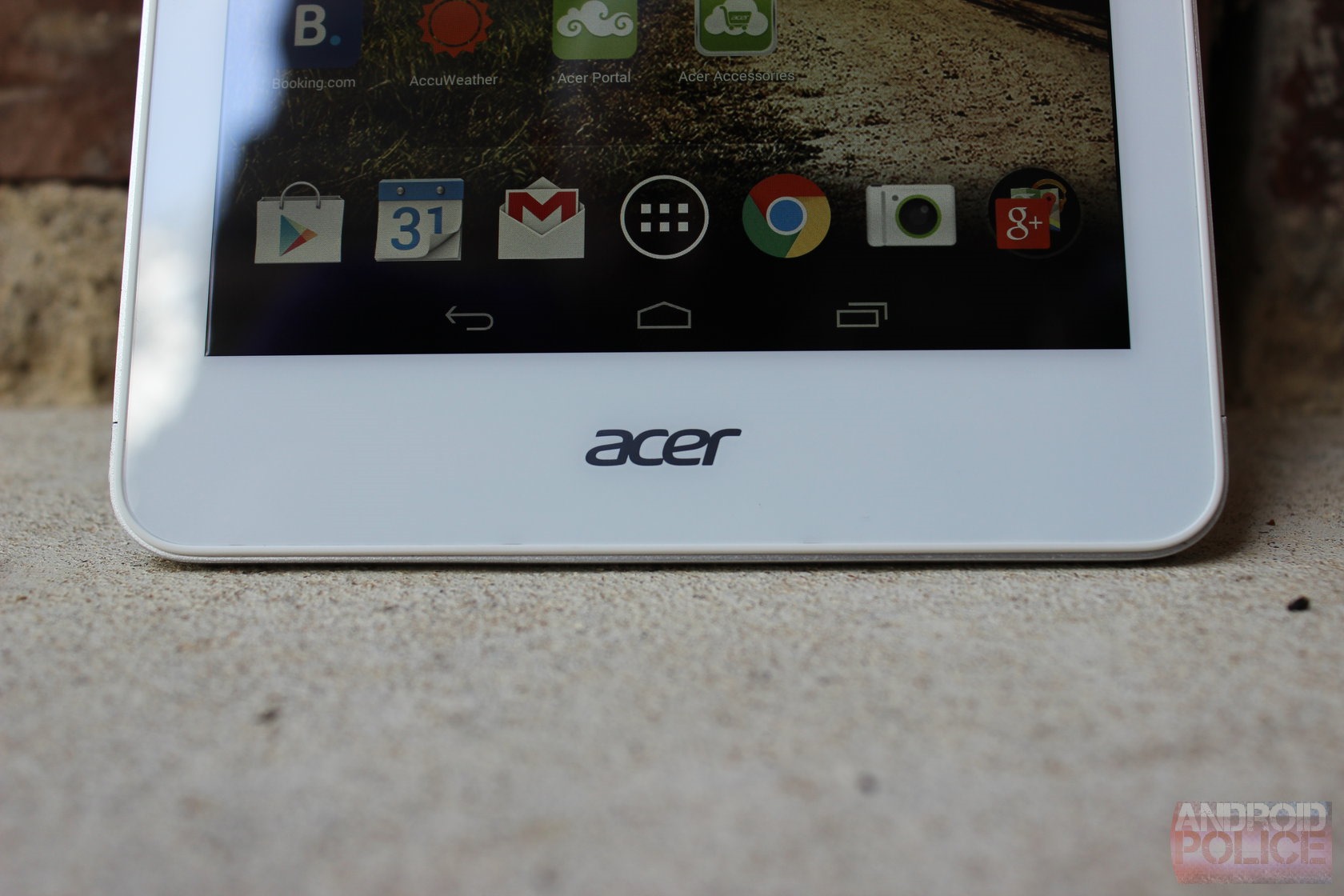
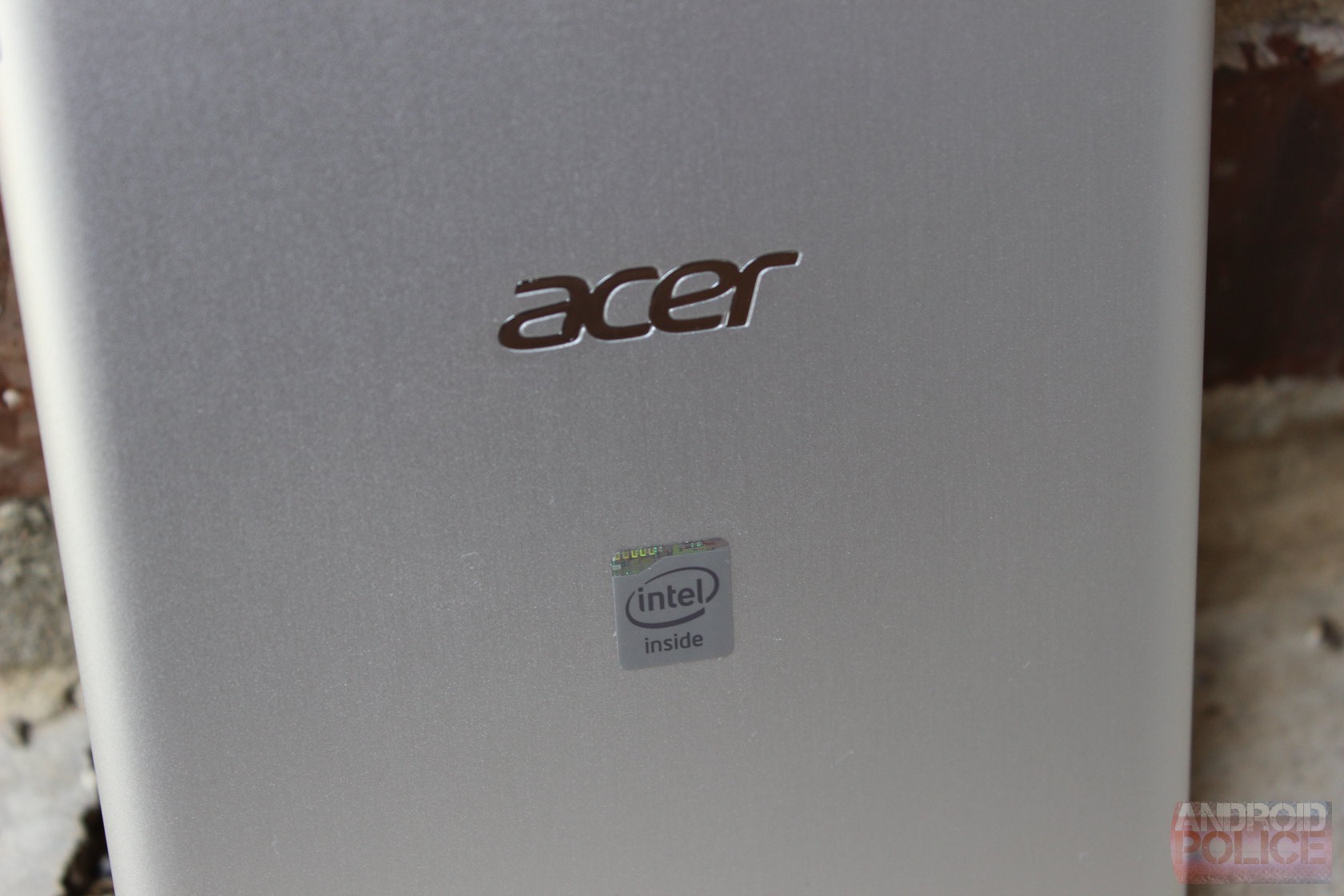
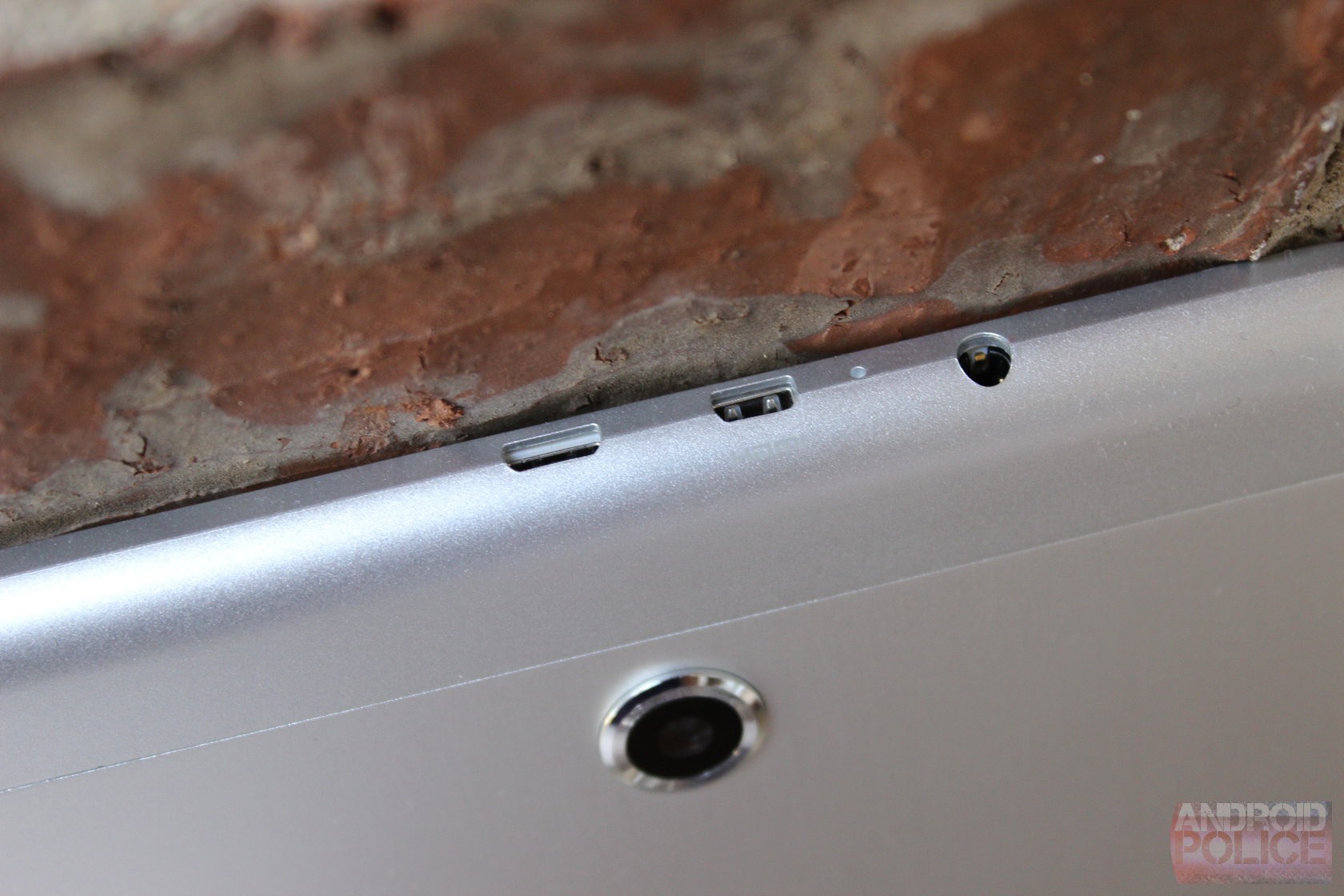
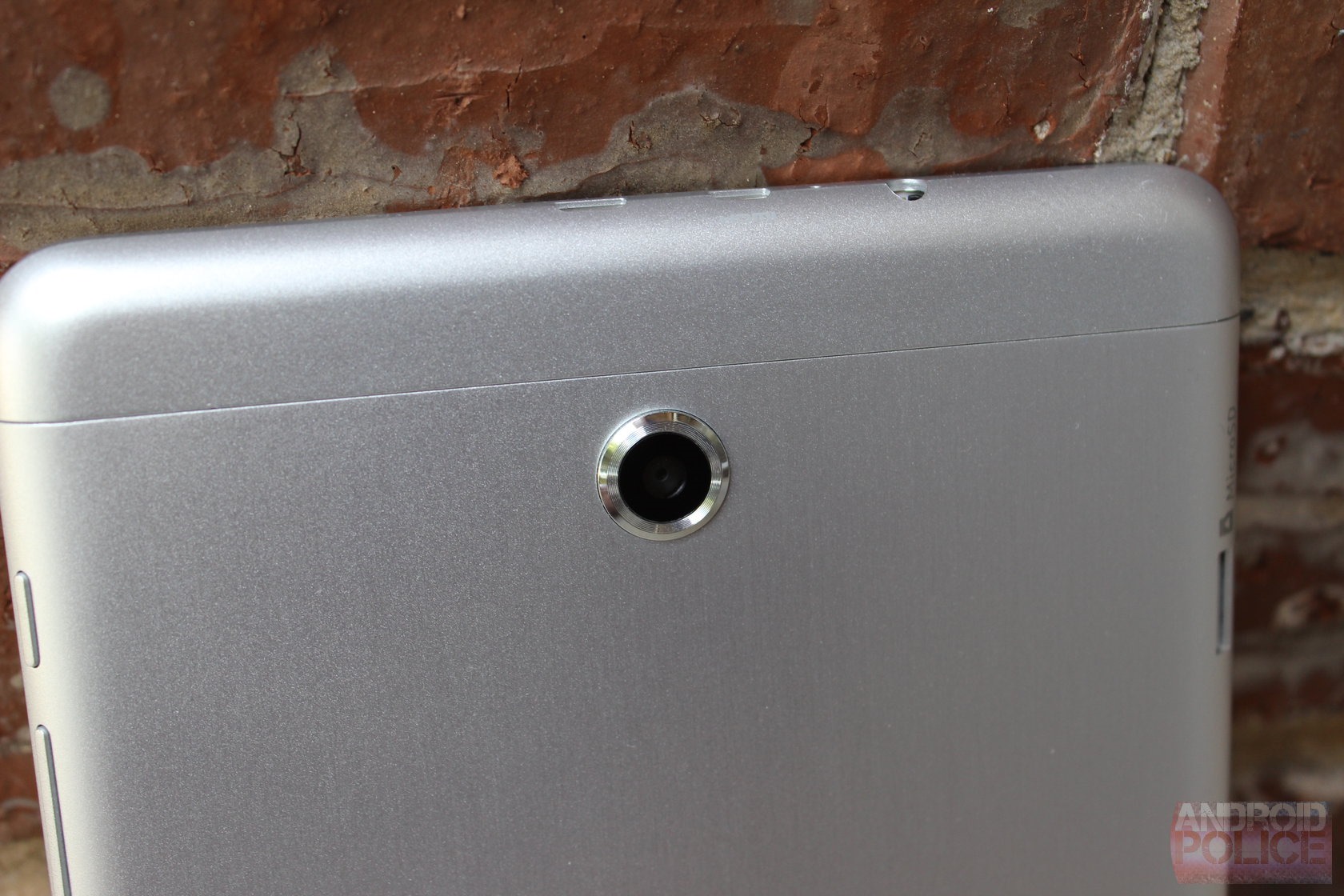
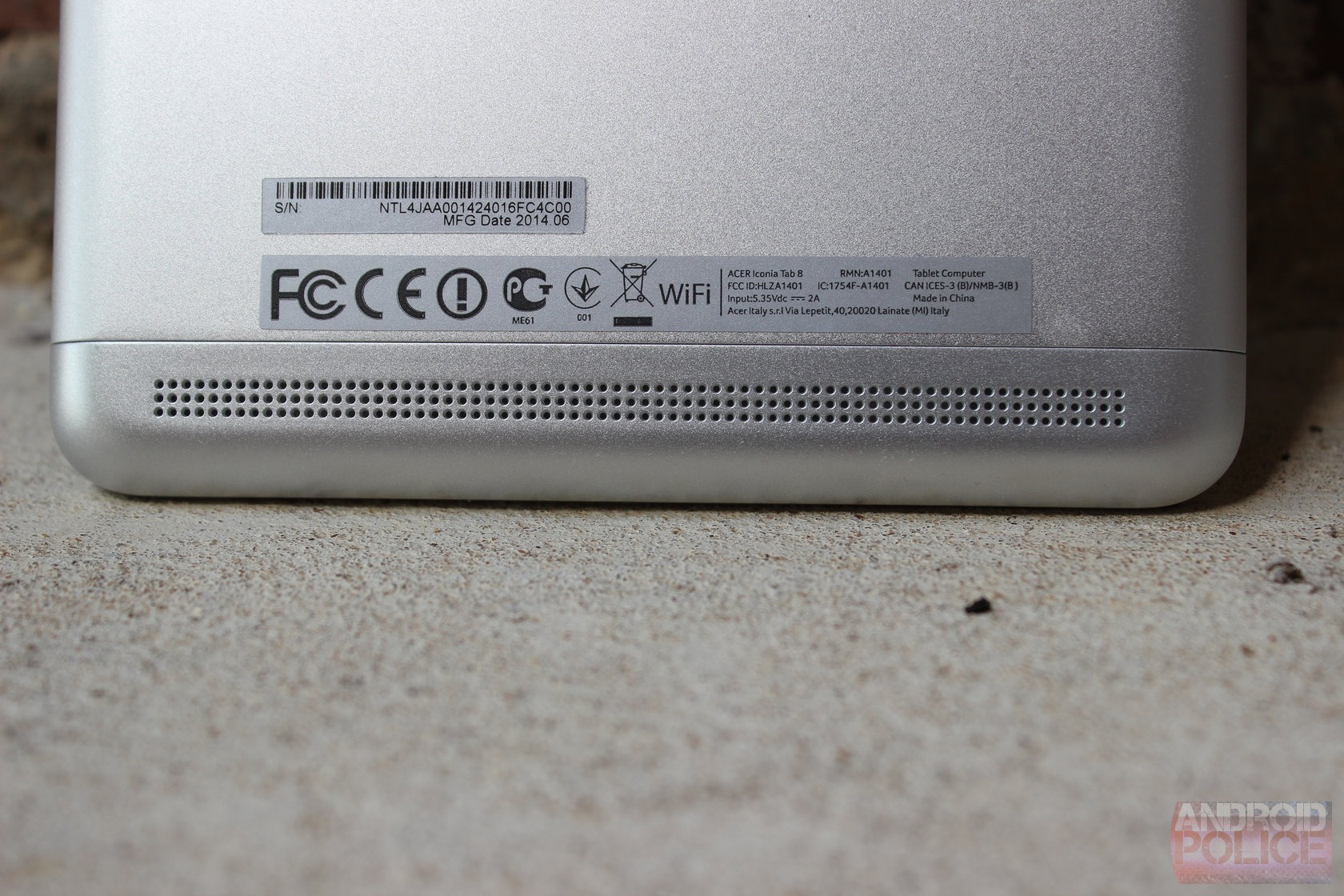
The front of the device is clean and white, with a simple Acer logo at the bottom and camera at the top. As with other Acer tablets, you won't find physical buttons here - everything is on screen. The back of the device is aluminum, which I personally don't like. Those who find aluminum's cold exterior pleasing to touch, however, will likely enjoy what Acer has done here. From what I can tell, only the larger, center section of the back is metal, whereas the small(ish) top and bottom caps are actually plastic. They blend in well enough, but there's still a distinct separation between the pieces, which takes away from what could potentially be an otherwise sleek exterior.
wm_IMG_3741 wm_IMG_3743 wm_IMG_3747
The best feature of the IT8, however, is its display. For far too long Acer has cut corners when it comes to screens, but I'm happy to say that it decided to go with a much nicer panel on this tablet. The 1920x1080 screen looks quite good – colors are well balanced and viewing angles are excellent. It's definitely a breath of fresh air to see a display of this quality on an Acer device.
Otherwise, the IT8 delivers on most other things users will be looking for in this price point, save for the cameras, which are pretty awful. Outside of that, everything else is solid.
wm_IMG_3736 wm_IMG_3738 wm_IMG_3749

Software and Performance

For the most part, Acer left stock Android untouched. It did, however, throw a few little tweaks in here and there, most of which I actually find kind of neat. Let's talk about those first.
For starters, it's got an LG KnockON-esque feature called Touch WakeApp. When enabled, this essentially allows the tablet to be turned on with a five-finger tap or two-thumb gesture (the latter of which only works in portrait mode) instead of using the traditional lockscreen. While it may not be the most powerful (or useful) utility, it's still kind of cool.
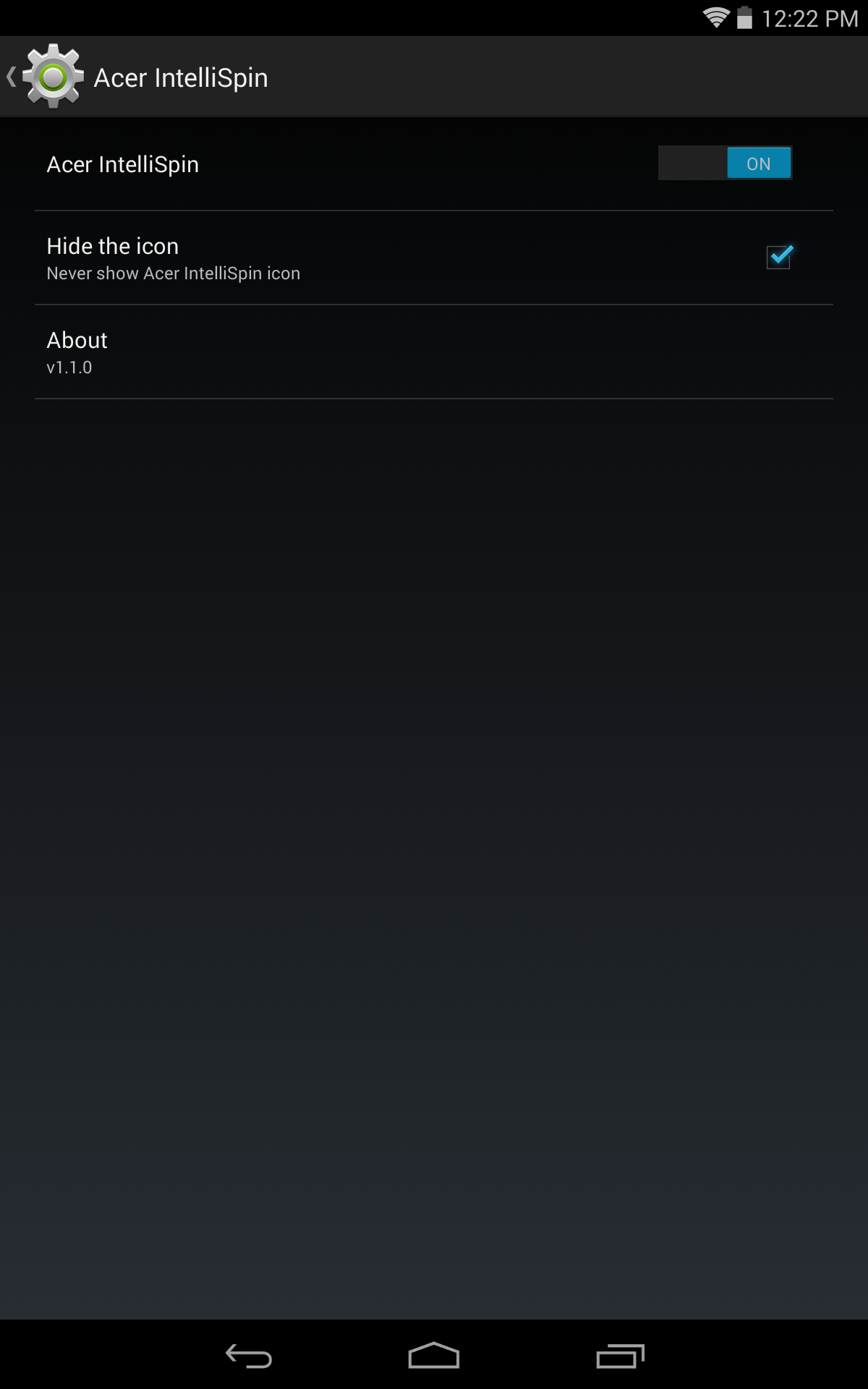
Screenshot_2014-10-10-12-22-23 Screenshot_2014-10-10-12-22-31 Screenshot_2014-10-10-12-22-57
Past that, it also has a really cool feature called IntelliSpin, which allows the tablet to detect rotation even when it's lying flat. For example, if you put it on the tablet in portrait and then want to watch a video, simply spinning the tablet around will readjust the orientation as well. It's a simple fix to an annoying problem. Also, like all other Acer tablets, the volume rocker adjusts according to the orientation (which is something I can't believe stock Android doesn't do on its own).
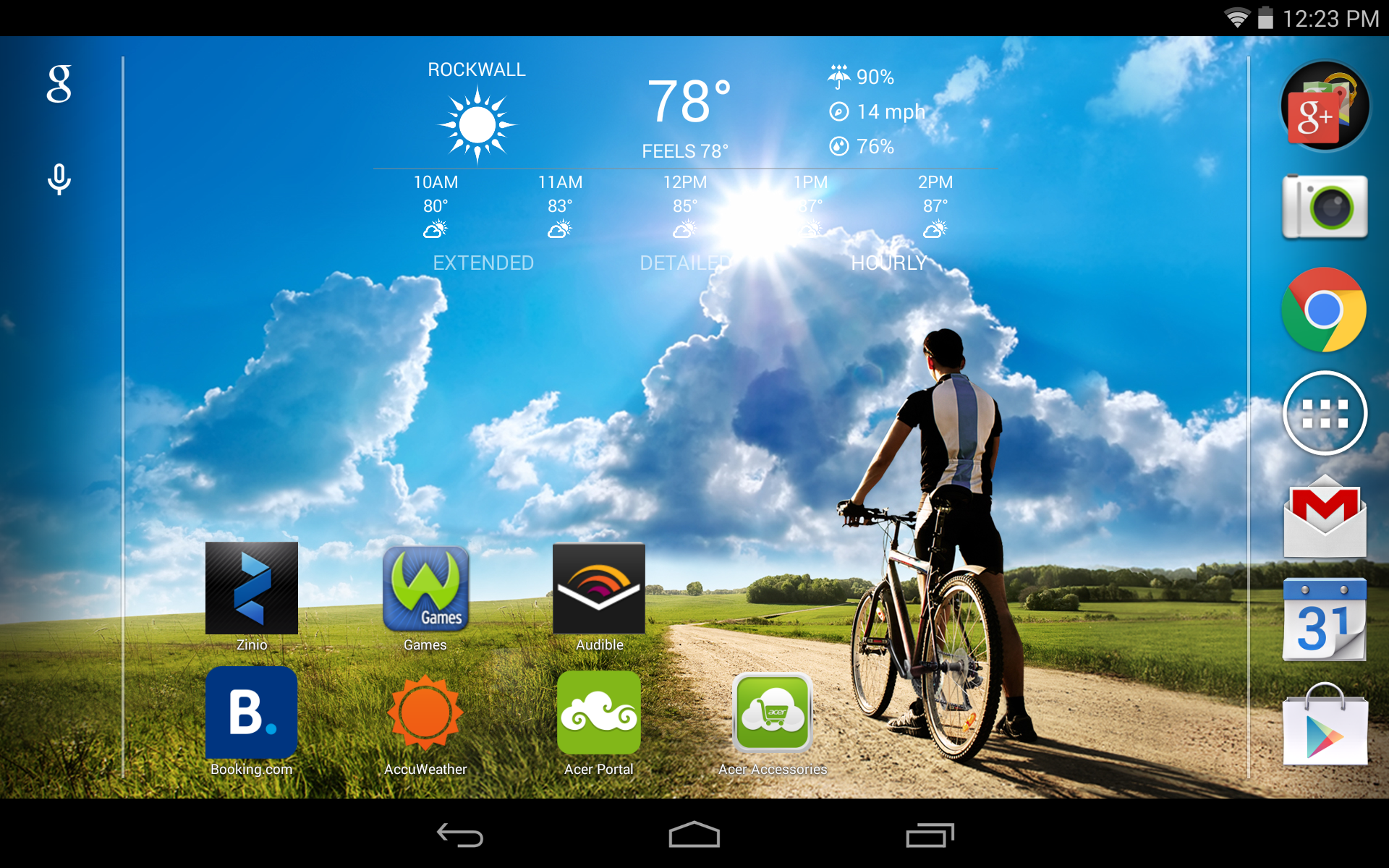
Otherwise, it's a pretty barebones Android system. Acer swapped out a few of the icons for its own take on how they should look, added a bit of color here and there, but pretty much left stuff alone.
On the hardware side, the Iconia Tab 8 isn't what I'd call a powerhouse - but don't call it a creampuff, either. It's a solid performing device, and the quad-core Intel chip left me pretty impressed overall. At no point during my time with IT8 did it lag or slow, and for the most part, it kept up fine with all the things I normally use a tablet for. I was surprised by the Intel processor – it handled everything I threw at it without so much as a hiccup. It purred along nicely, launching apps and loading pages at a very consistent and non-frustrating pace. I wouldn't say it's the best for heavy gaming, but it handles lightweight games without issue. For gamers looking to pick up a tablet, I'd still recommend SHIELD Tablet, of course.

Conclusion

Screenshot (12_23PM, Oct 10, 2014)
At the end of it all, I'd say the Iconia Tab 8 is the best Acer tablet I've used to date. The build quality is good (albeit understated), the performance is incredibly smooth and consistent, and the display is very good. Pair that with Acer's subtle software tweaks like WakeApp and IntelliSpin, and this is an excellent device for the money.
Unfortunately, the biggest potential downside is one that's yet to be seen: how Acer will handle future updates. The company hasn't done what I'd call an exemplary job of keeping its devices on the latest version of Android up to this point, and I fear that the IT8 will suffer the same fate. With Android L just around the corner and no promise of an OTA, it makes buying this unit a gamble.

That said, if future version compatibility isn't something that you're concerned with (say, if considering this as a gift for someone else who may not be concerned with OTAs), then fire away. At this price, it's almost impossible to ignore everything the Iconia Tab 8 has to offer.